
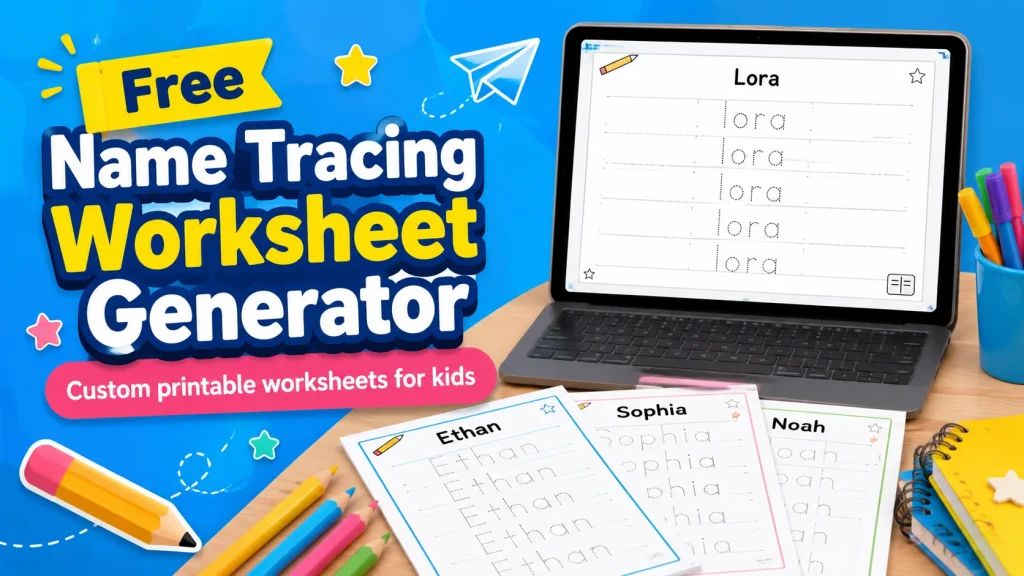
Create a custom handwriting page with this free Name Tracing Generator. Type a name, short word, sight word, or classroom phrase, choose a tracing font, adjust the worksheet layout, and download a printable page for kids in PDF, JPG, or PNG format.
This Name Tracing Generator is made for parents, teachers, and homeschool families who need quick, clean, printable handwriting practice. It works well for preschool, pre-K, kindergarten, early elementary practice, classroom folders, morning work, and quiet table activities.
Create Your Name Tracing Worksheet
How to Use This Name Tracing Worksheet Generator
Create a simple printable name tracing worksheet in a few steps. Type a name or word, choose the font and worksheet settings, check the live preview, then download or print the finished page.
- Enter the name or word you want your child or students to practice.
- Adjust the worksheet with repetitions, letter size, tracing font, title, border, and optional name/date boxes.
- Download or print the worksheet as a PDF, JPG, or PNG when the preview looks right.
Why Use a Name Tracing Generator?
A Name Tracing Generator saves time because you do not need to design a worksheet manually. Instead of opening a document, adding lines, choosing a font, and adjusting spacing, you can create a printable handwriting page directly from the tool.
Name tracing is also useful because a child’s name is meaningful. Many children recognize their own name before they can write it confidently. Practicing that familiar word can help children feel more comfortable with letter shapes, pencil control, and early writing routines.
For teachers, the Name Tracing Generator can be helpful for classroom setup. You can prepare worksheets for each student, make quick practice pages for small groups, or create simple take-home sheets without building every page from scratch.
What Can You Make With This Tool?
The main purpose of this Name Tracing Generator is to create printable name tracing worksheets, but it can also be used for many early learning words. Try first names, last names, family names, classroom labels, months, seasons, color words, number words, and short sight words.
You can also use it for themed learning. For example, in the fall, you might create worksheets for words like apple, leaf, pumpkin, and school. In winter, you might use snow, mittens, stars, or holiday words. Simple seasonal words can make handwriting practice feel fresh without making the worksheet too busy.
After children finish handwriting practice, you can pair the worksheet with other calm printable activities. A short word search printable, coloring page, or simple puzzle can give kids another screen-free activity while still keeping the learning time quiet and practical.
Tips for Better Name Tracing Practice
Start with a clean page. A worksheet with too many rows can feel tiring for young children, especially if they are still learning how to hold a pencil. It is usually better to use fewer repetitions and let the child trace carefully.
If the child is just beginning, sit nearby for the first line. Point out where the letters sit on the guidelines. Tall letters, short letters, and letters with tails can be easier to understand when children see how they fit between the handwriting lines.
You can also ask the child to trace the first row, then try writing the name once on blank paper. This makes the Name Tracing Generator more useful because the worksheet becomes a bridge between tracing and independent handwriting.
Best Font Style for a Name Tracing Generator
The best font for a Name Tracing Generator is clear, simple, and easy to follow. Dotted fonts are usually the best choice for direct tracing because children can follow each letter shape with a pencil or crayon.
Light dotted fonts can make the worksheet look clean, while bolder dotted fonts may be easier for younger children to see. If the font is too decorative, it may look fun, but it makes handwriting practice harder. For most kids, a simple dotted or school-style font gives the best result.
Guidelines are also helpful. They show where letters should start, stop, rise, or drop. Letters like b, d, g, p, and y are often easier to practice when children can see the writing space clearly.
PDF, JPG, and PNG Download Options
Use the PDF option when you want to print the worksheet at home or in the classroom. PDF is usually the best format for regular printing because it keeps the worksheet layout stable and easy to save.
Use JPG or PNG when you need an image version of the worksheet. Image downloads can be helpful for organizing printable files, adding a preview to a folder, or saving examples for later use.
Before you print, check the worksheet preview one more time. If the name looks too small, increase the letter size or reduce the repetitions. If the page looks crowded, use fewer lines so the child has more room to write comfortably.
Who Can Use This Name Tracing Generator?
This Name Tracing Generator is useful for preschool, pre-K, kindergarten, early elementary, homeschool lessons, and extra handwriting practice at home. It can also help children who need repeated practice with one important word before moving on to longer writing tasks.
Teachers can use it for handwriting folders, literacy centers, morning work, small group lessons, or take-home practice. Parents can use it for kindergarten readiness, quiet time, summer learning, or simple after-school writing practice.
For older children who are ready for more independent printable work, you can add easy Sudoku puzzles or word games after handwriting practice. This keeps the activity screen-free while giving children a different kind of thinking task.
Make Handwriting Practice Simple
The goal of this Name Tracing Generator is to make handwriting practice easier to prepare and easier for children to use. A simple page with a clear name, readable letters, guide lines, and enough writing space can be more helpful than a crowded worksheet with too many details.
Every child writes at a different pace. Some children may need large letters and only a few lines. Others may be ready for smaller text and more repetition. Adjust the worksheet until it matches the child’s comfort level, then print a page that feels useful and calm.
FAQ
Can I use the Name Tracing Generator for a full name?
Yes. You can type a first name, last name, or full name. If the full name is long, reduce the repetitions or choose a smaller letter size so the text stays readable.
Can I make worksheets for words instead of names?
Yes. The Name Tracing Generator can be used for sight words, spelling words, color words, number words, classroom words, and short phrases.
What format should I download?
PDF is best for printing. JPG and PNG are useful when you want an image version of the worksheet.
Are dotted fonts best for name tracing?
Dotted fonts are usually best for tracing because children can follow the letter shapes directly. Clear school-style fonts can also work well for copying practice.
Can teachers use these worksheets in class?
Yes. Teachers can use the worksheets for handwriting practice, literacy centers, morning work, small groups, folders, and take-home activities.