This is the Bicycle Coloring Pages set to use when you want printable pages that are clear at first glance. The designs lean on bicycle outlines, transport shapes, and wheels, with roads saved for pages that need more detail. That gives beginners a simple start and gives careful colorers more space to slow down.
Keep the PDF for full packets and organized print days. Use a JPG when you want one bicycle page to fit a binder, bulletin board, craft sheet, or quick coloring break.
What's Inside
Bicycle Printable Set
Scan the Bicycle Coloring Pages gallery before you print the full set. A simple bicycle page works well for younger children, while a design with wheels and roads can turn the same theme into a longer activity.
While you're here, explore these fun related coloring pages too!
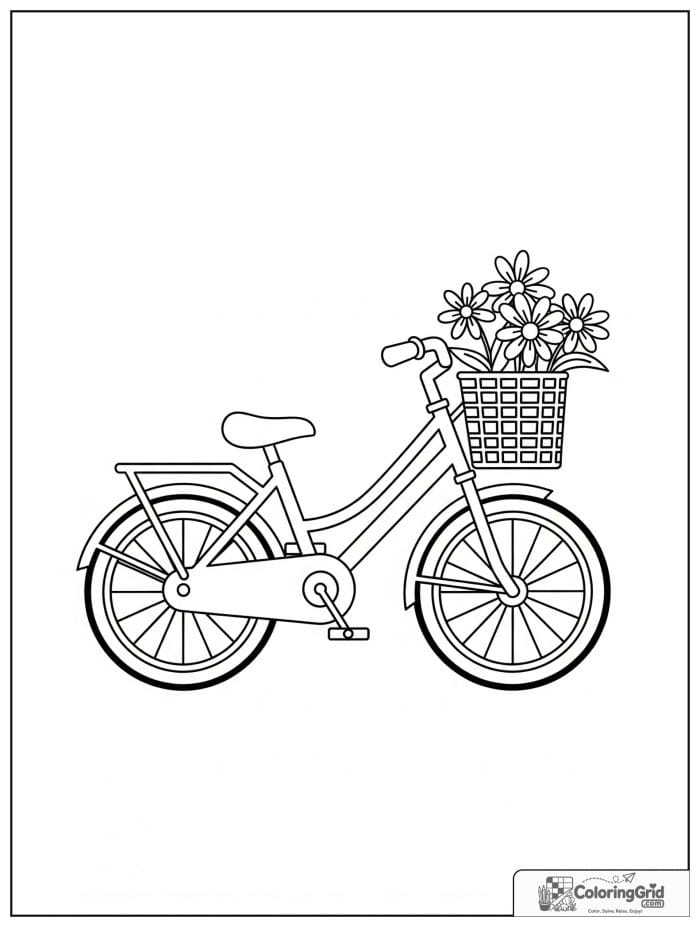
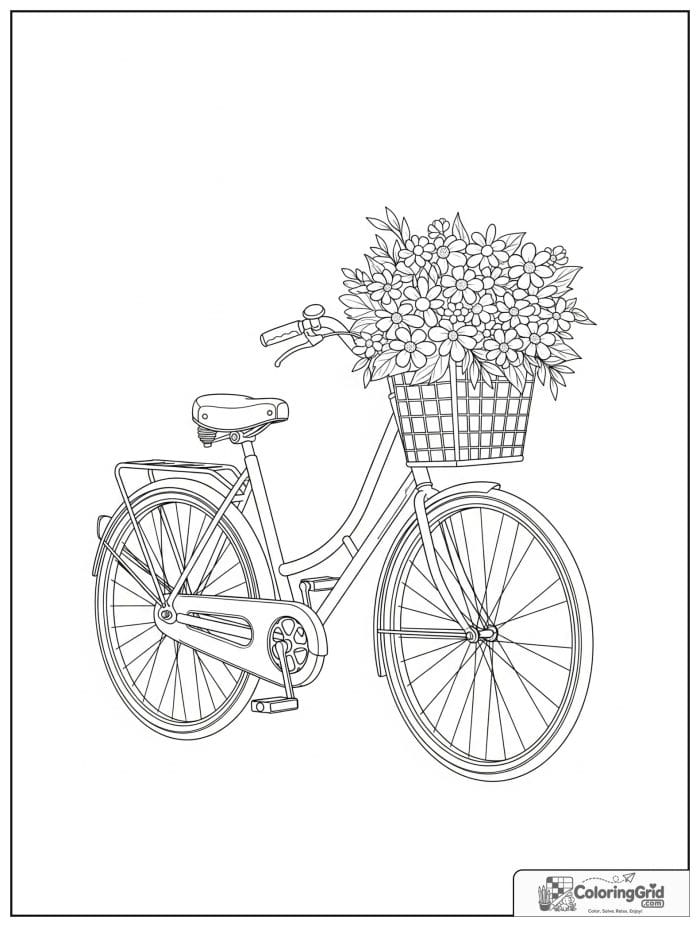
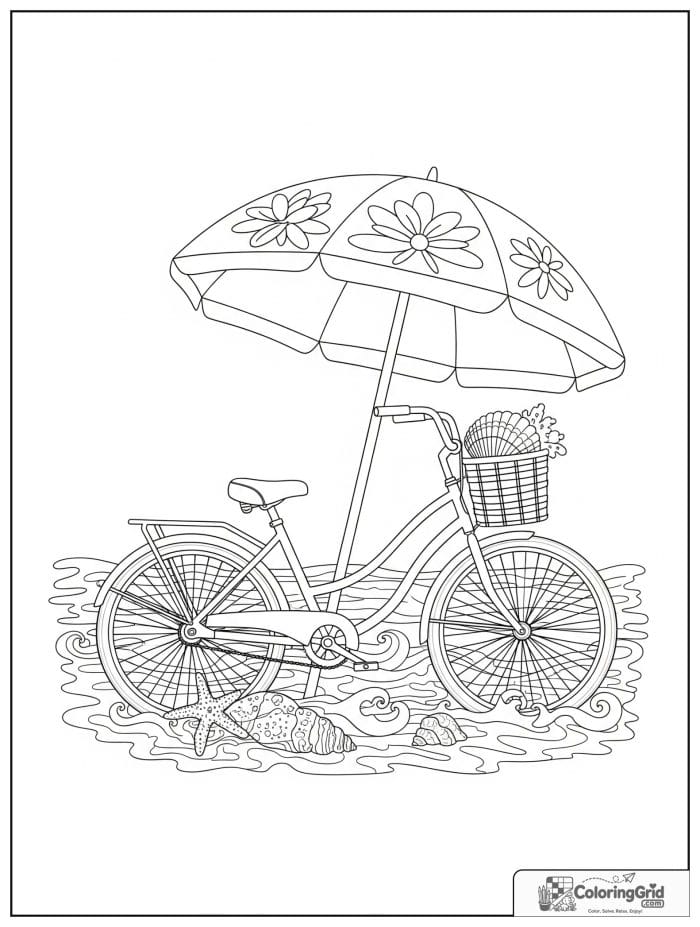
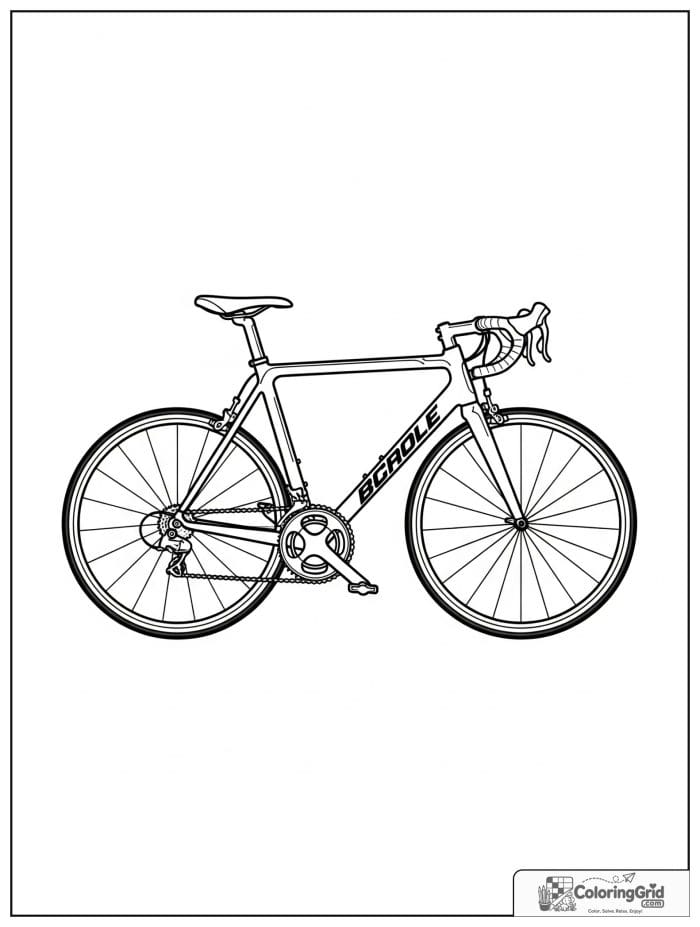
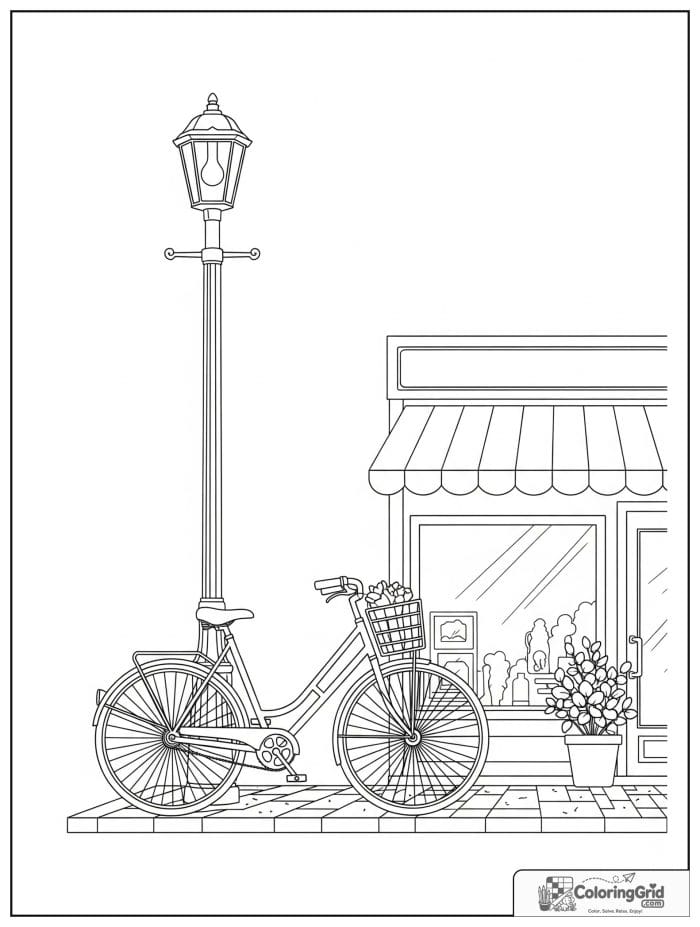
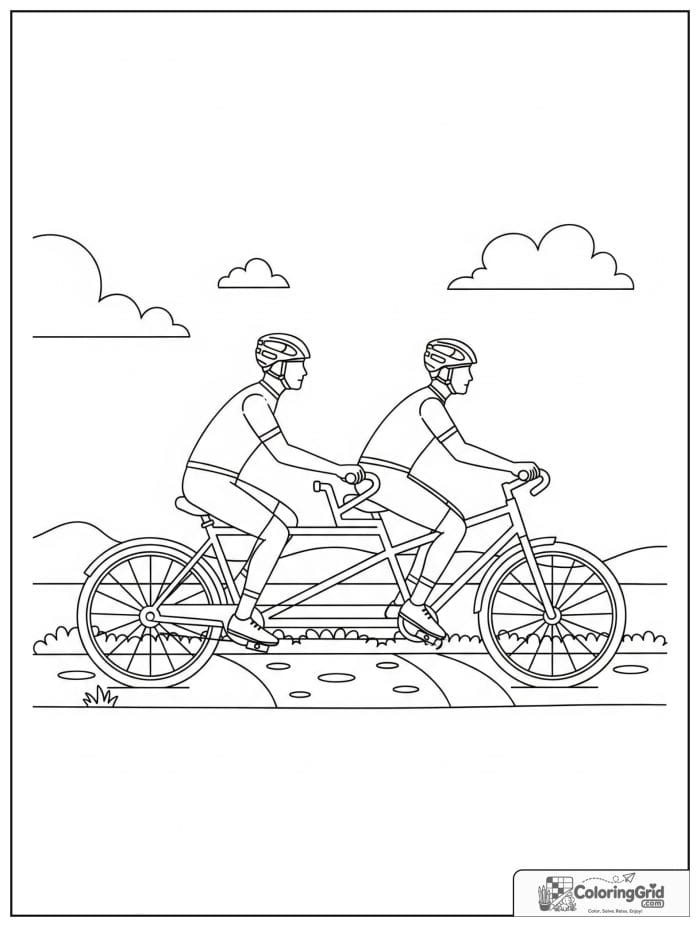
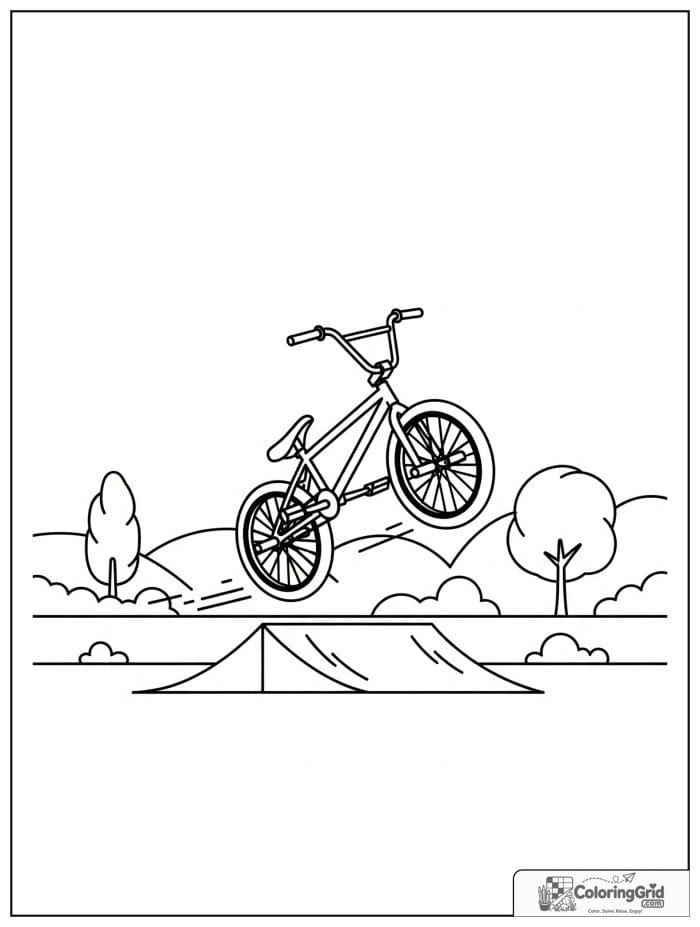
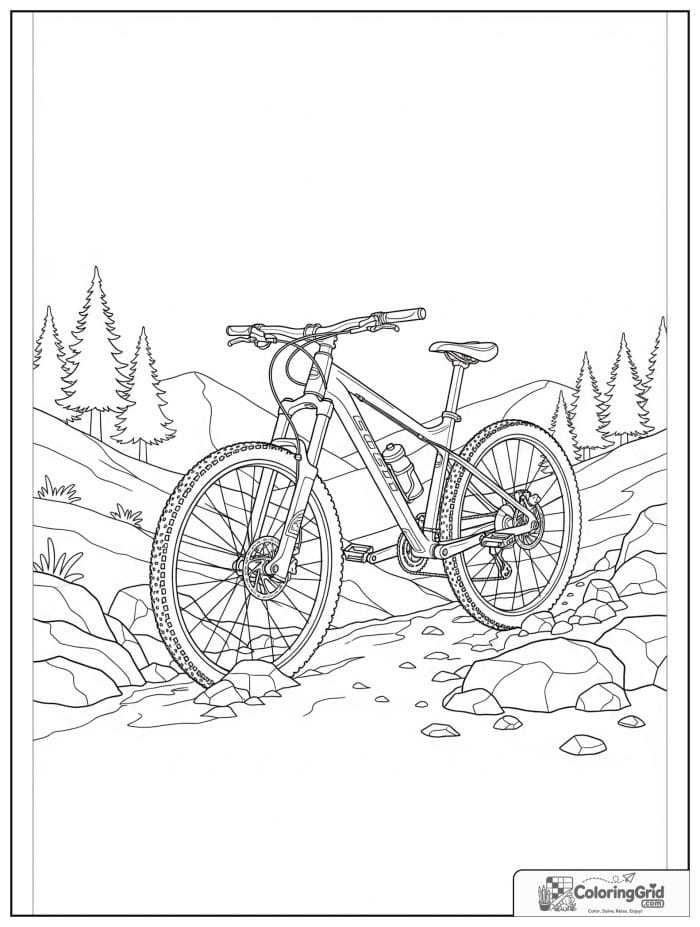
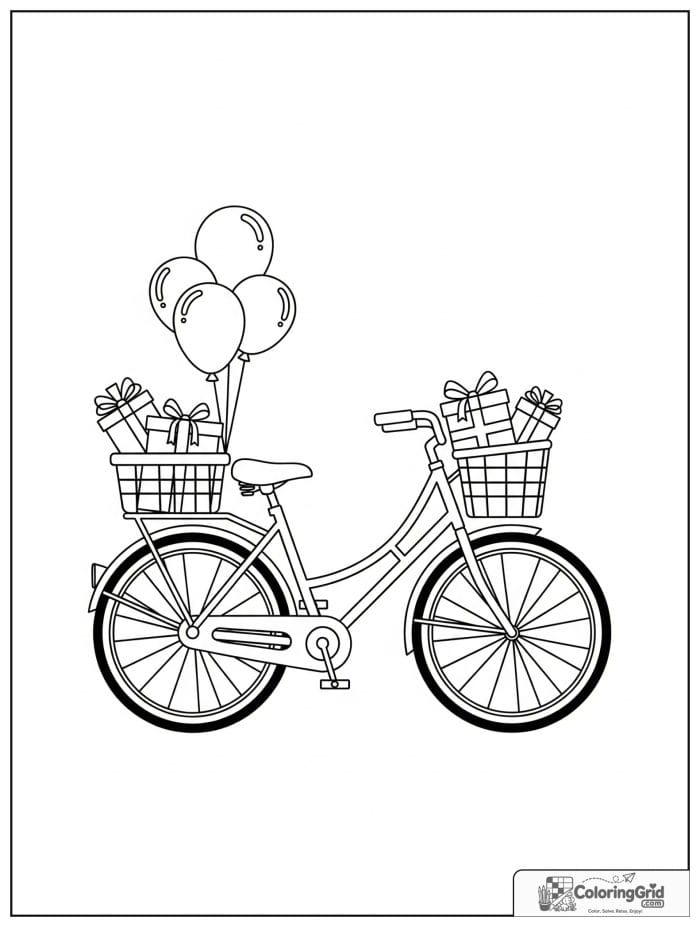
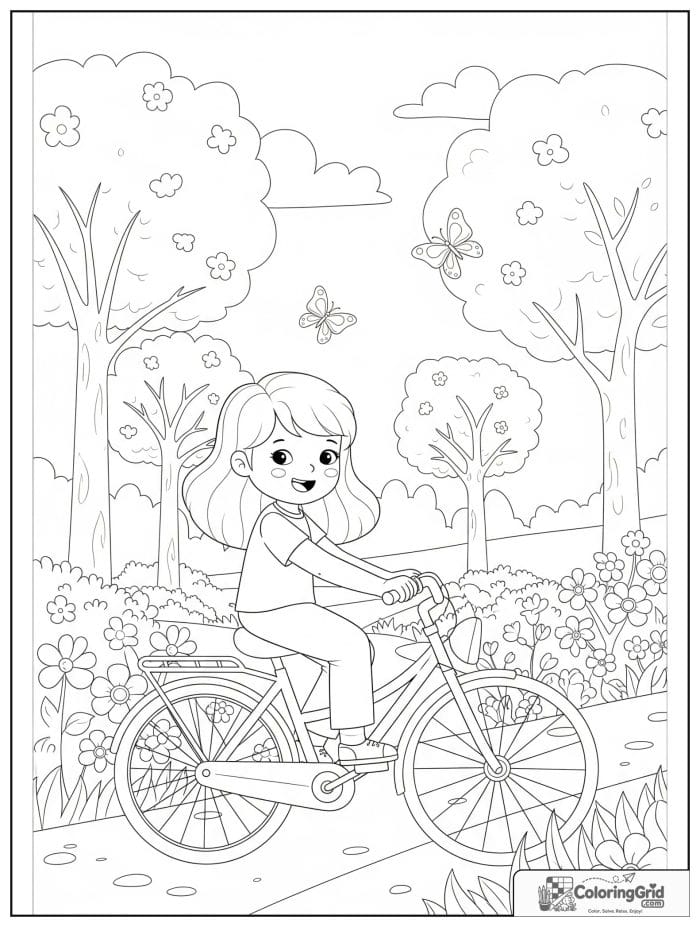
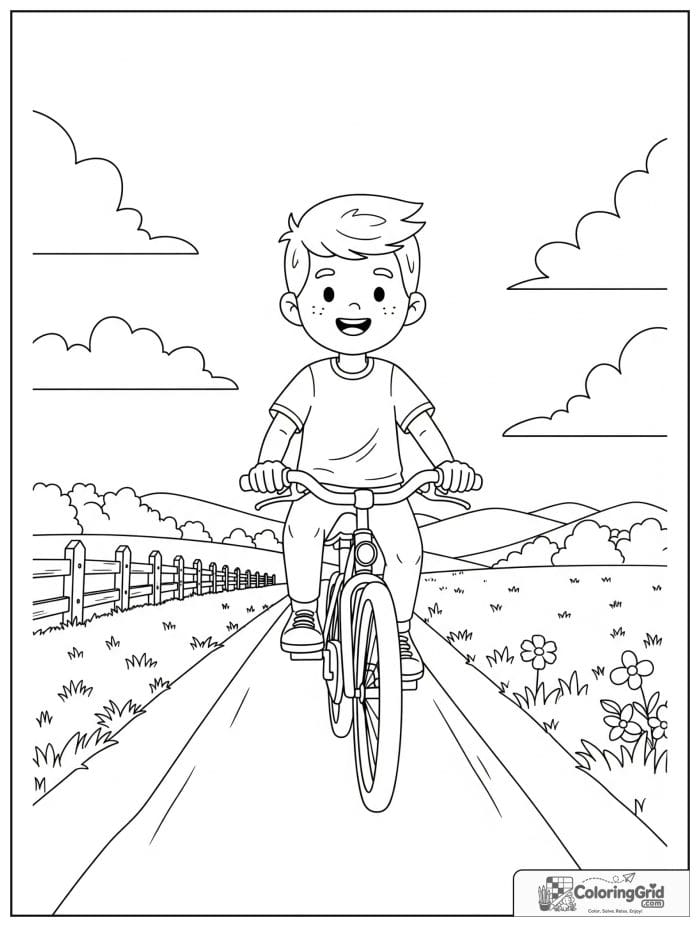
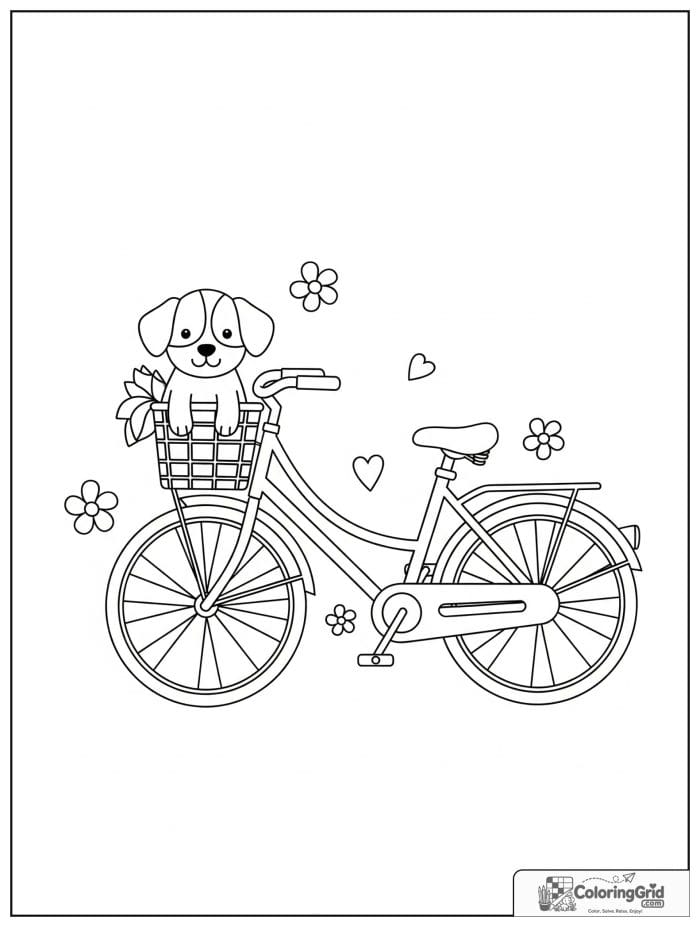
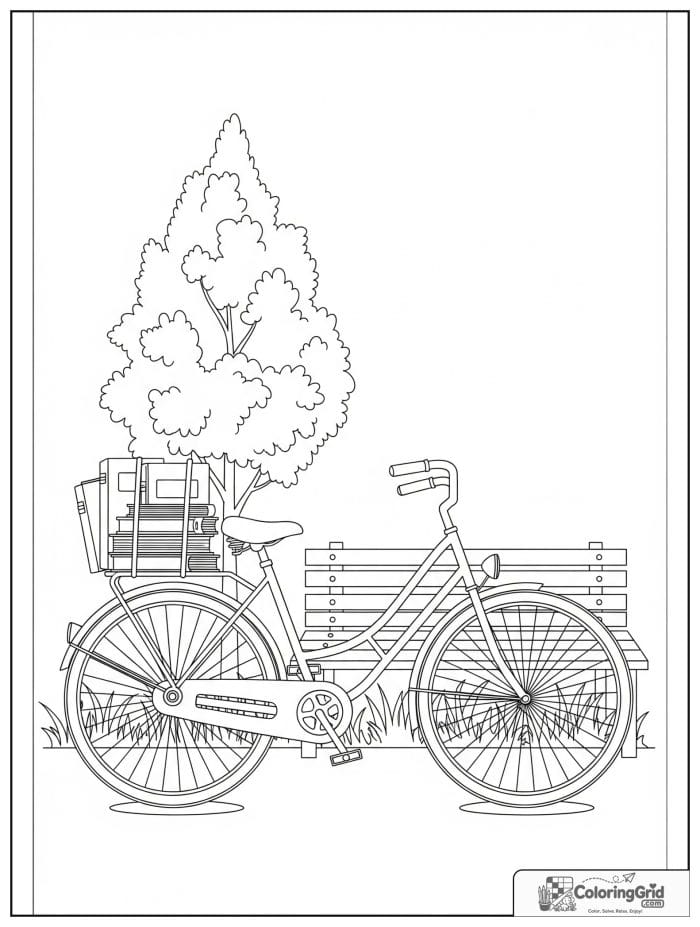
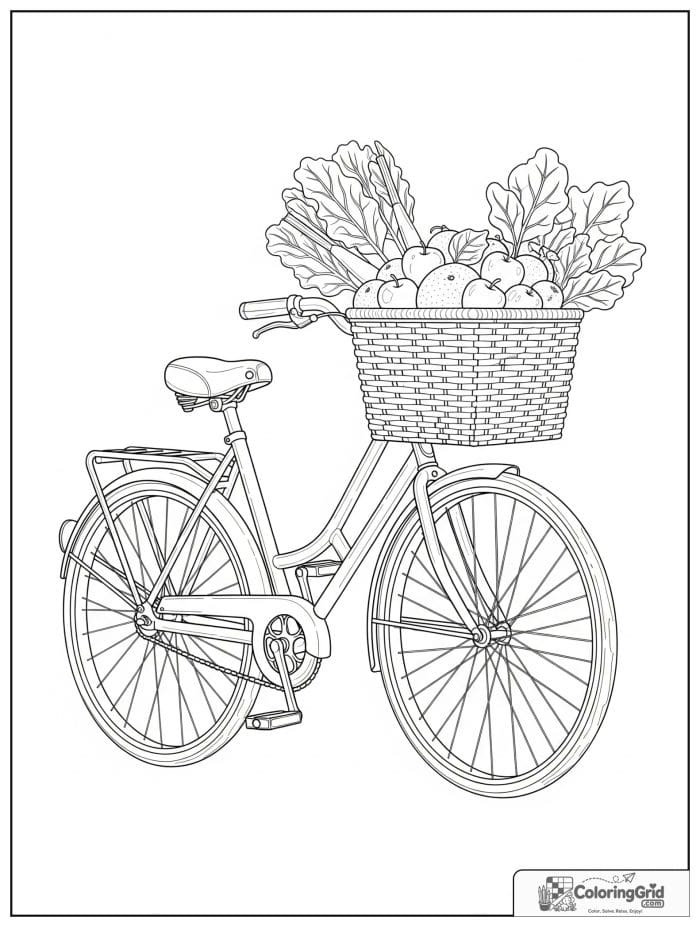
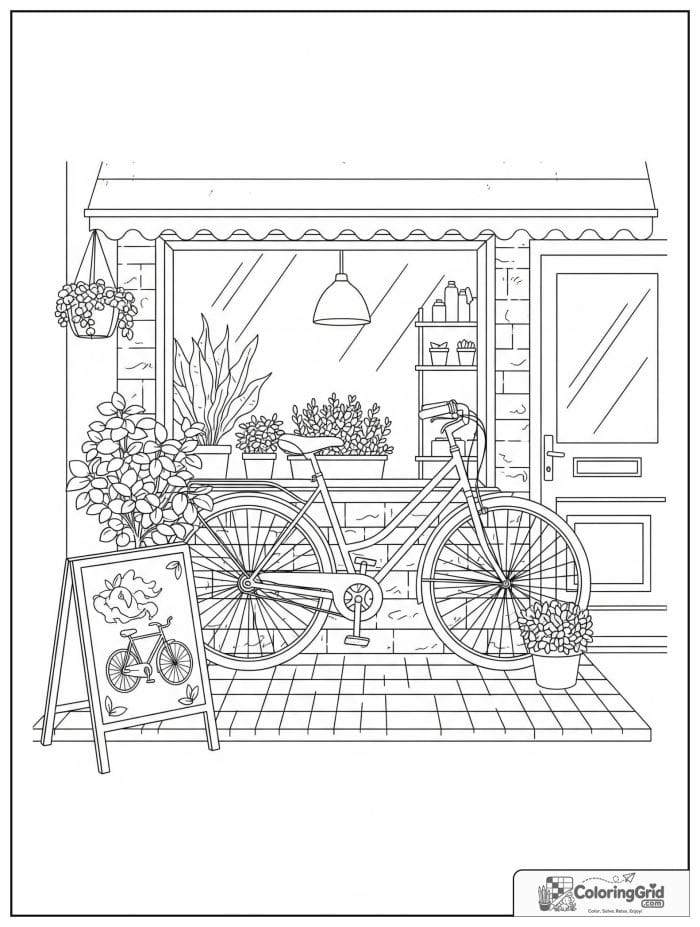
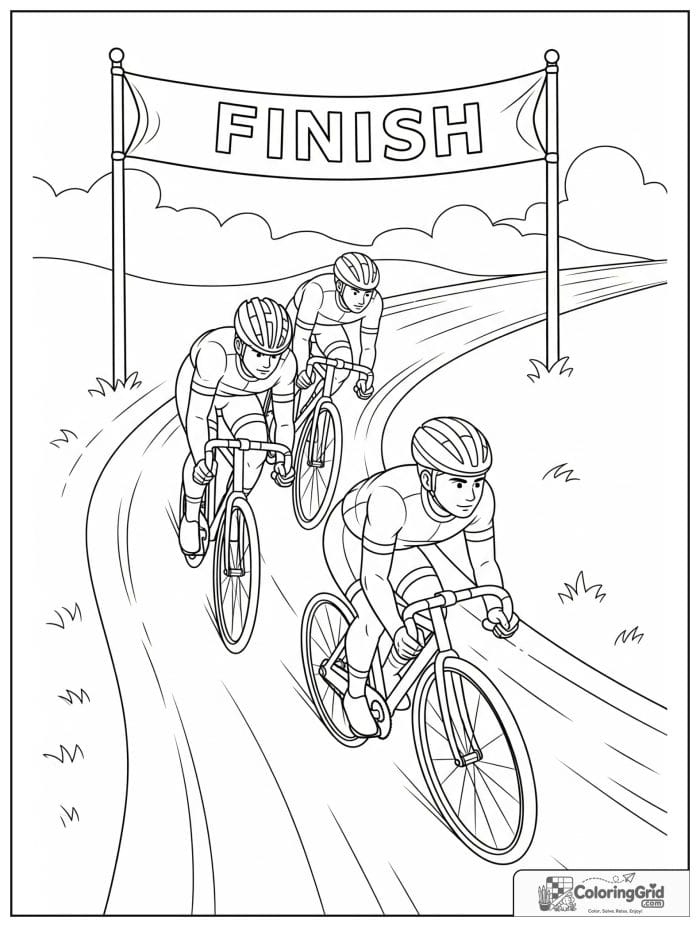
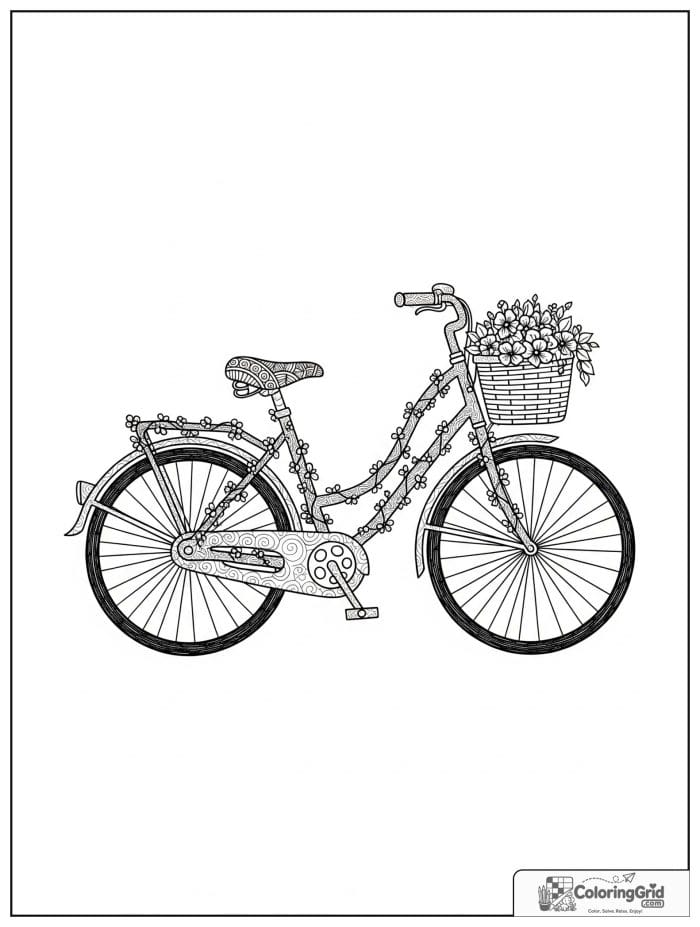
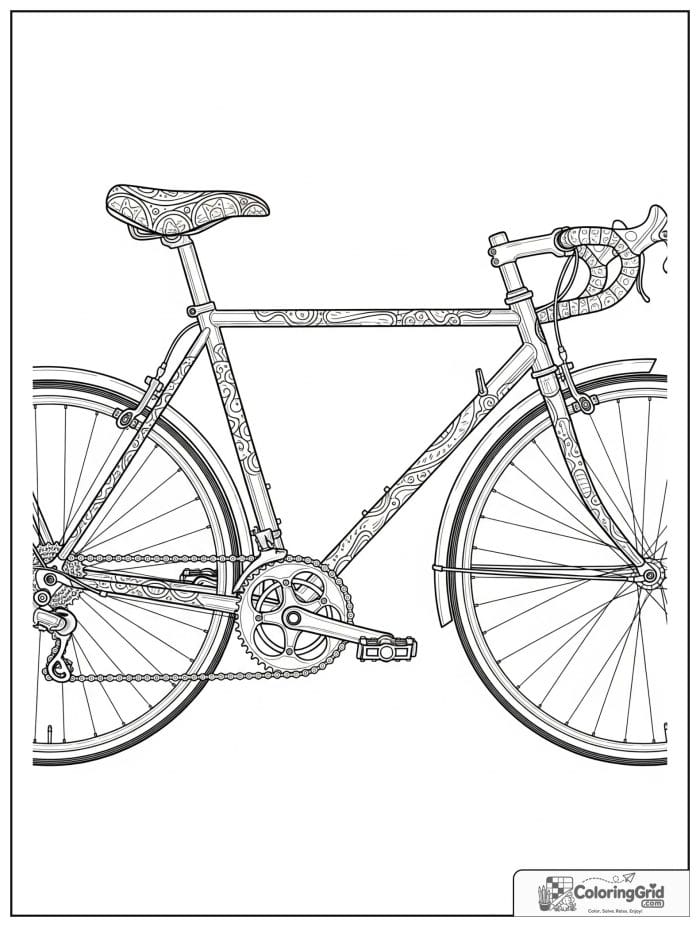
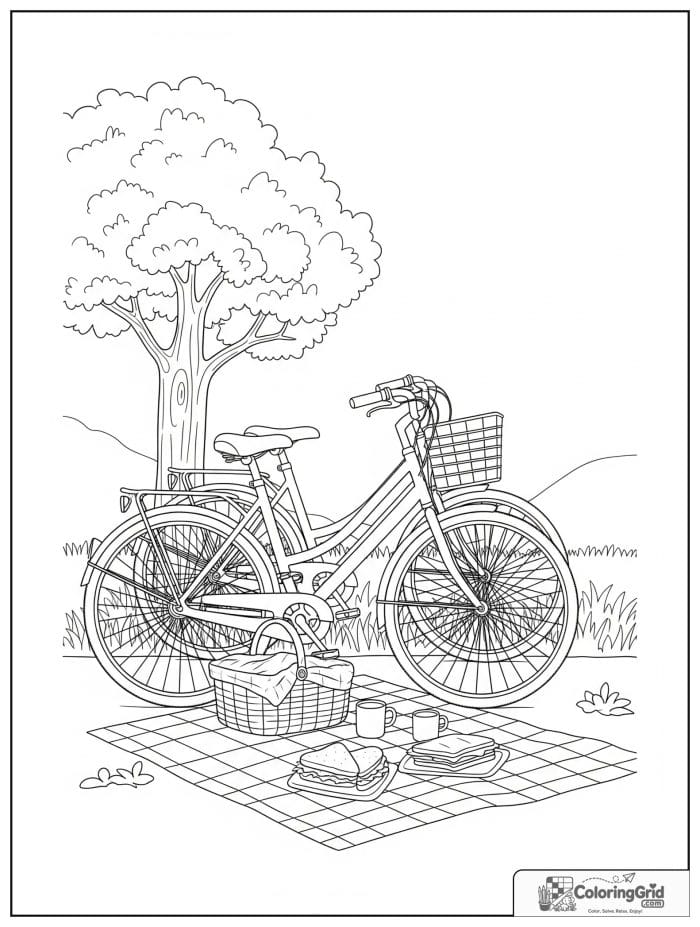
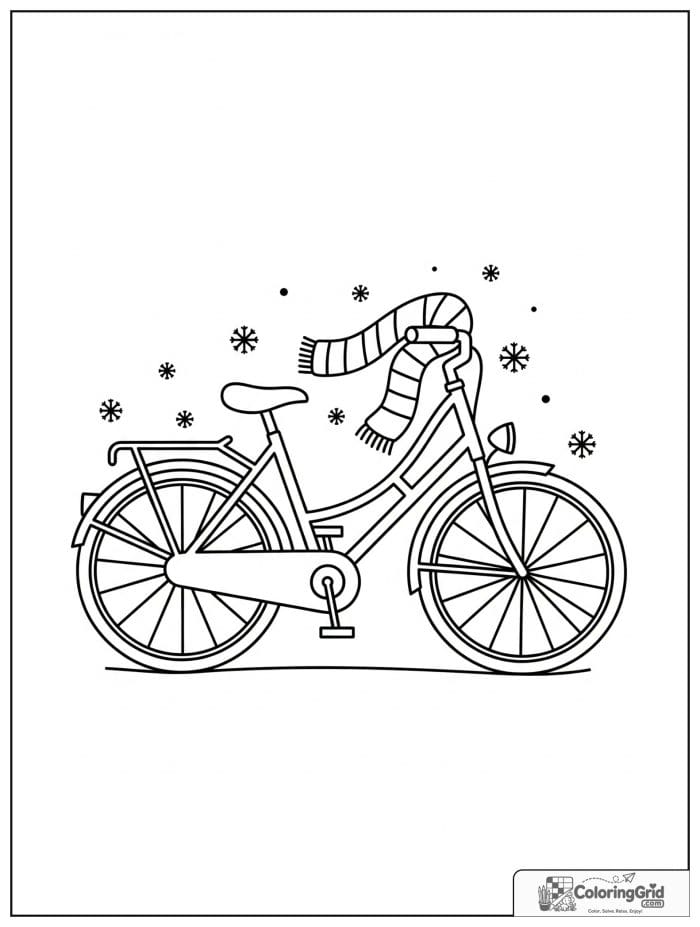
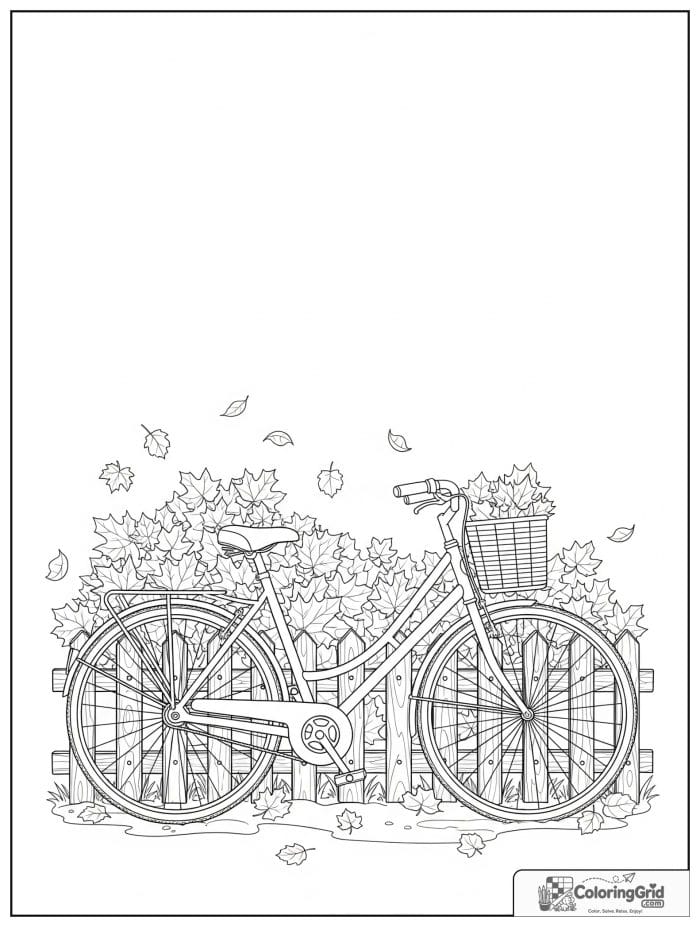
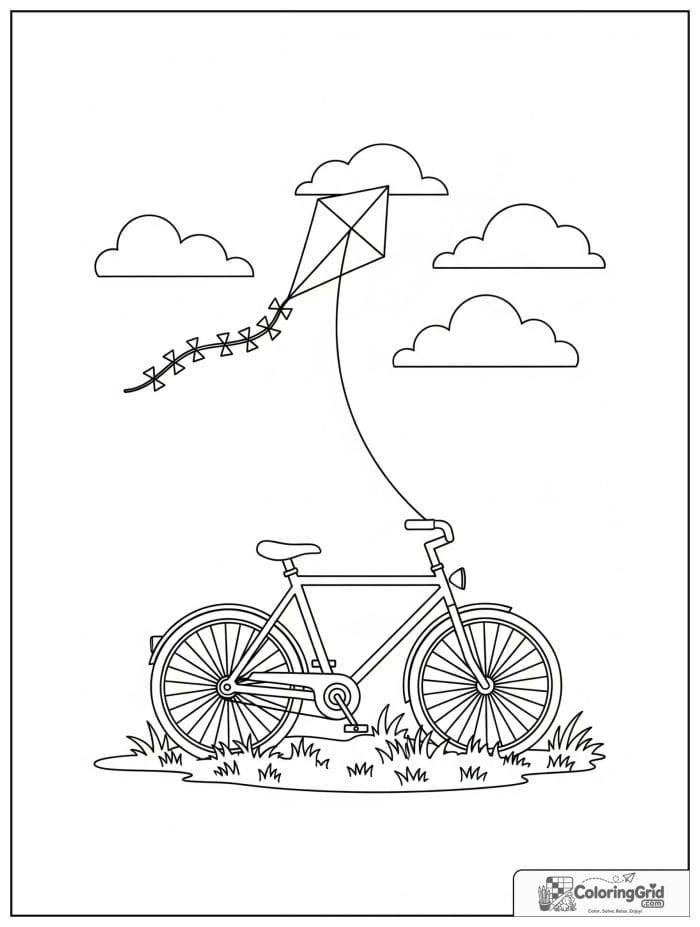
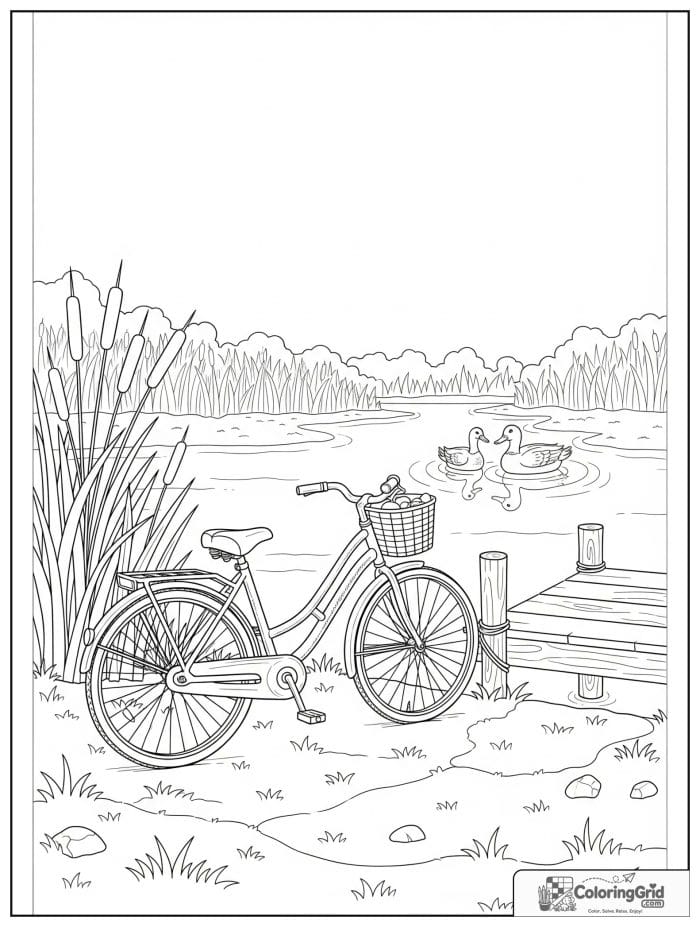
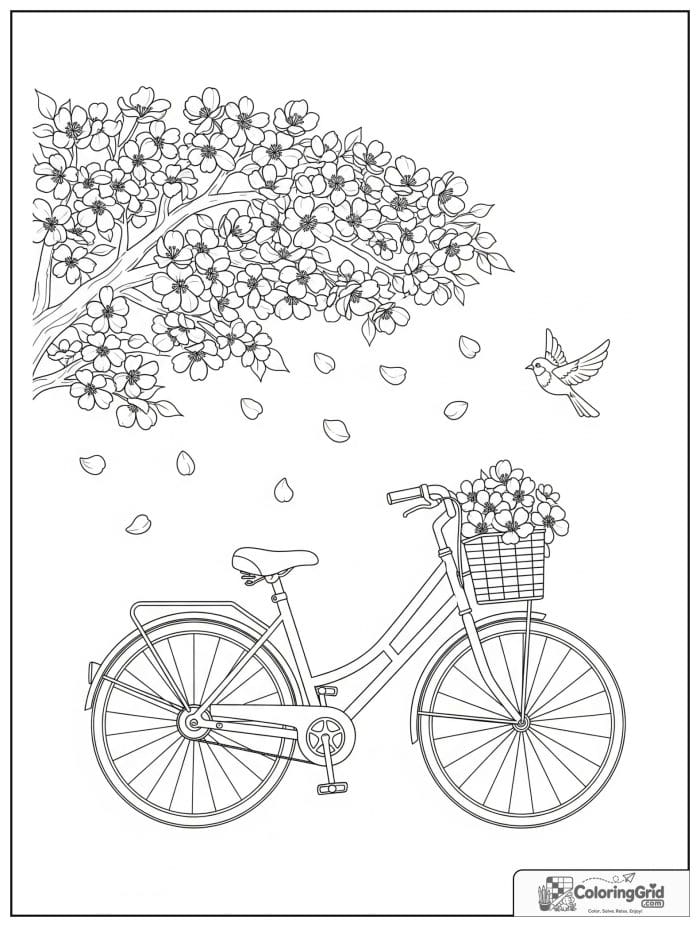
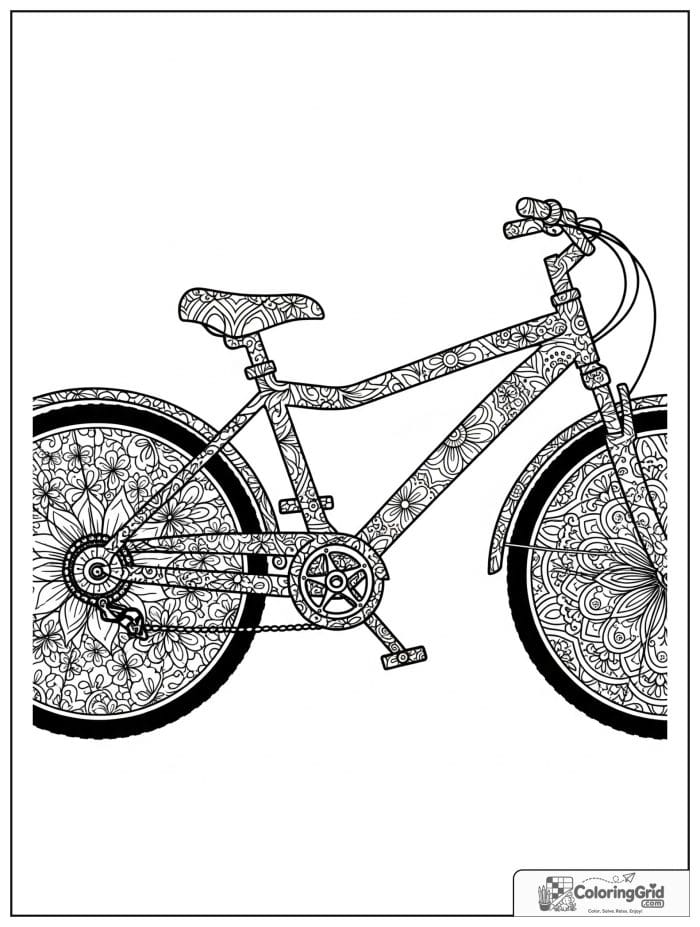
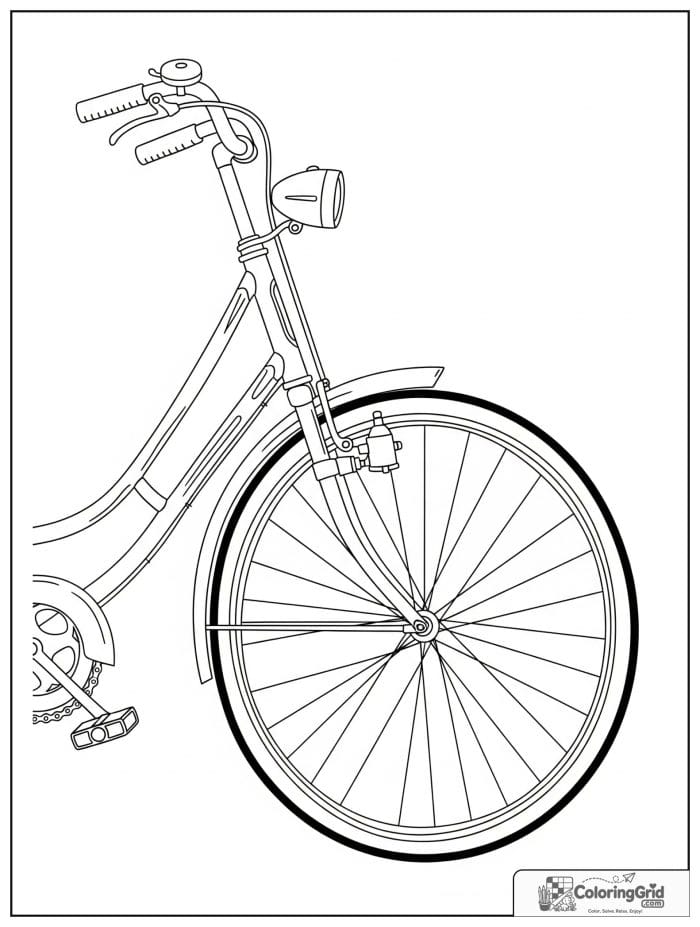
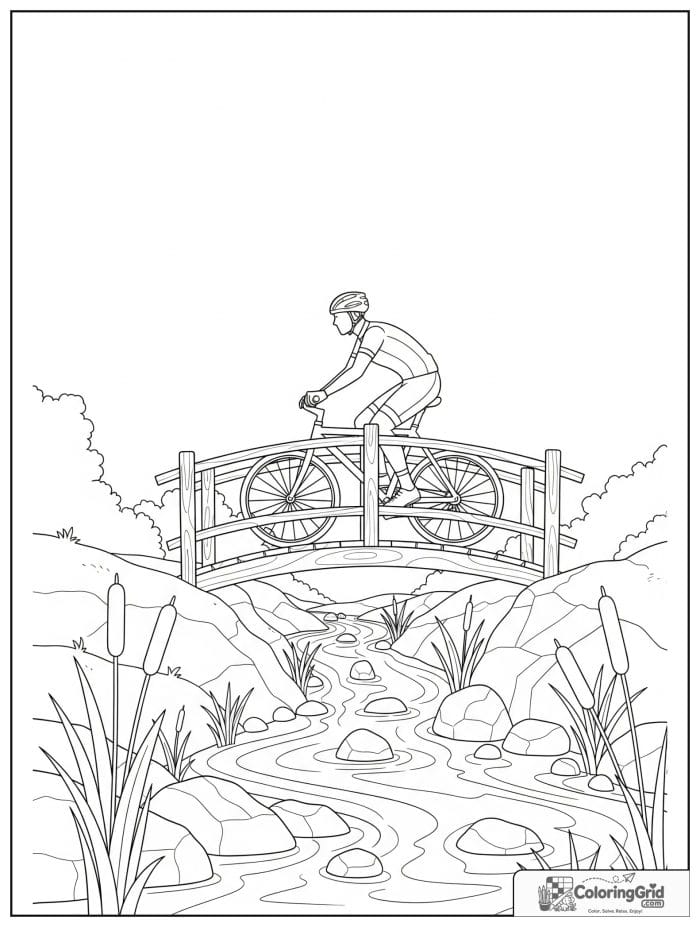
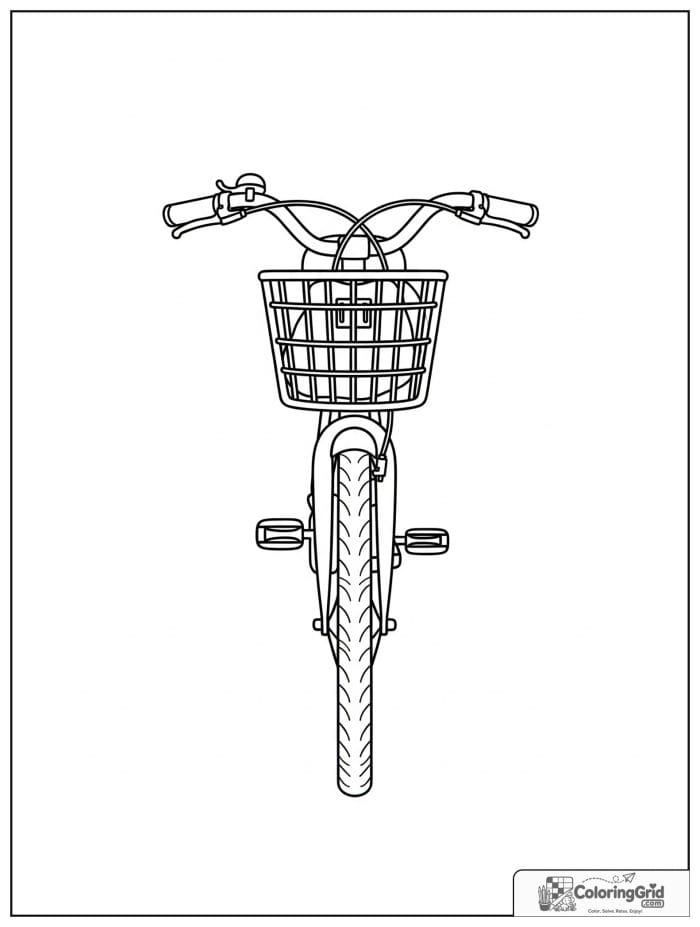
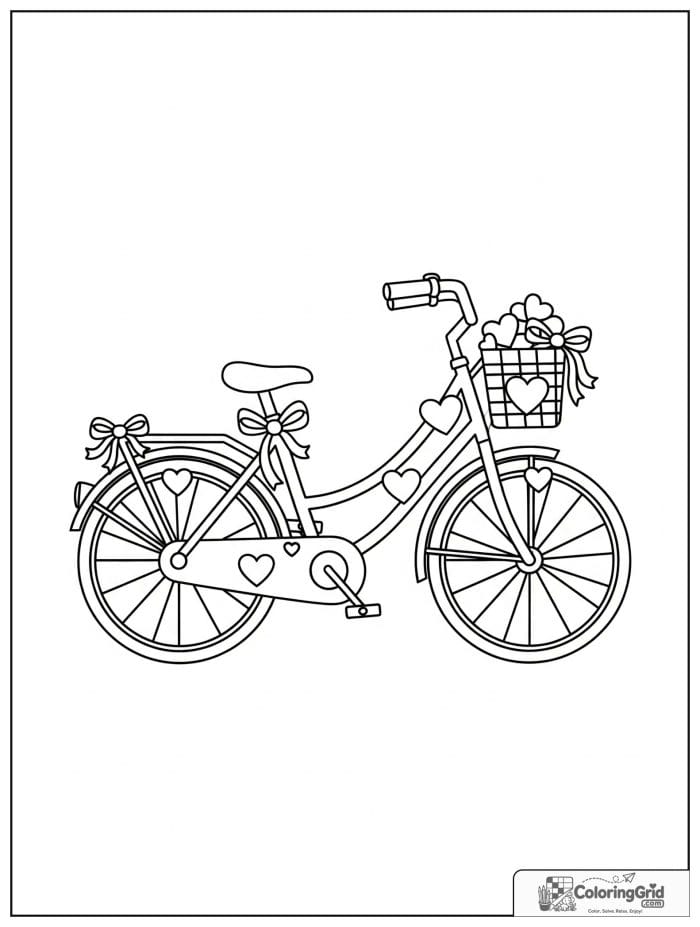
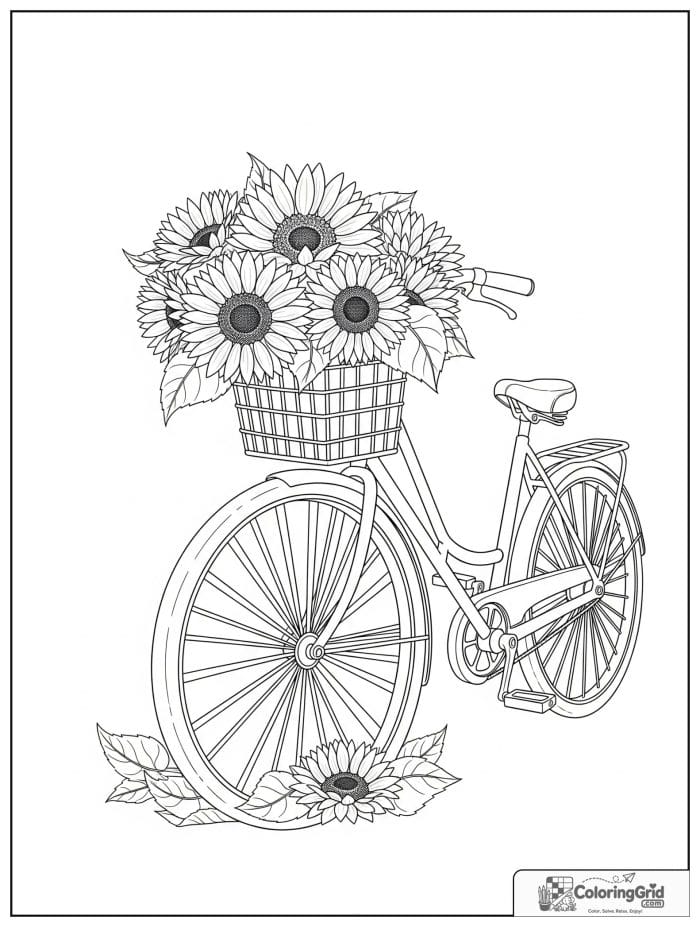
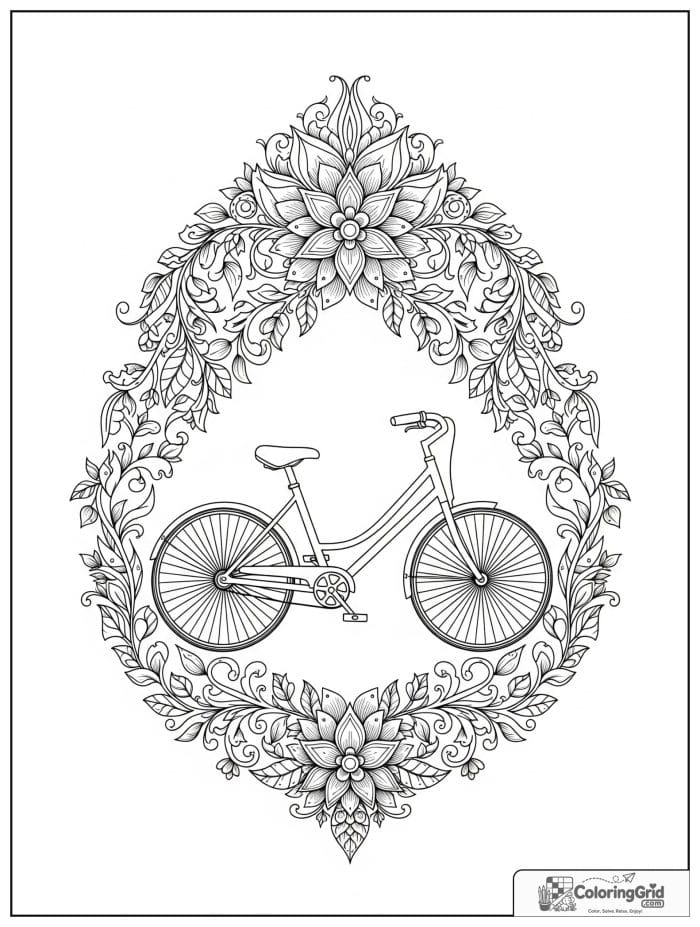
Visual Cues in These Bicycle Printables
A good way to begin is to color the largest readable shape first. On these pages, that is often bicycle outlines, followed by the areas around transport shapes and wheels.
This order keeps the bicycle page from feeling scattered. It also gives younger children a visible finish point before they move into smaller details.
Simple Bicycle Sheets for Beginners
Beginner-friendly pages should not ask children to manage too many tiny spaces. A page built around bicycle outlines is usually easier than one filled with small background details.
If the group has mixed skill levels, print two versions. One can be open and fast, while the other can include more wheels for a longer coloring challenge.
Tools and Colors for Bicycle Designs
Crayons are best for fast, open coloring. Pencils are better when the page includes tighter details around wheels, and markers work best when the printable has strong, simple borders.
Try choosing colors by area instead of choosing them randomly. That makes bicycle outlines, transport shapes, and roads feel connected instead of scattered.
Using Bicycle Pages at Home or in Class
For home activities, choose the Bicycle Coloring Pages based on mood and time. A wide, open design works for a quick break; a detailed bicycle page works better when the child wants to sit longer.
In a classroom, the printable can support a theme without requiring extra materials. A short note about vehicle shapes or wheels is enough context before coloring begins.
Printing and Organizing Bicycle Coloring Pages
Print on standard white paper for everyday use. If the bicycle page is displayed, slightly heavier paper can help it stay flatter after coloring.
Organize finished Bicycle Coloring Pages by topic or skill level. Simple sheets are good for quick choices, while pages with more roads belong in a slower coloring section.
One bicycle page can be quick or careful depending on the design you print. Choose wheels for an easy beginning, add roads near the end, and use the Smithsonian National Air and Space Museum with America on the Move for a short supporting detail.
When the Bicycle Coloring Pages and printable sparks interest, Birthday Coloring Pages, Bell Coloring Pages, and Bus Coloring Pages give children a few clear directions to try next. The links work well when you want related printables with different shapes and coloring choices.
Bicycle Coloring Pages FAQ
What colors work well for Bicycle Coloring Pages?
For a clean finish, color the broad bicycle areas first, then slow down around transport shapes. Leave the bicycle body or wheels and windows for small accents instead of making every part equally bright.
Should I print Bicycle Coloring Pages as PDF or JPG files?
A PDF keeps the bicycle collection together and is easier for repeated printing. A JPG gives more flexibility when you want one design, a cropped version, or a quick page for a child.
Which bicycle pages are best for younger kids?
Young colorers usually do best with open spaces and strong borders. Keep designs with transport shapes or bicycle body for a second page after they finish the easier sheet.
How can teachers use Bicycle Coloring Pages in a lesson?
Use the printable as a quick visual activity after a related lesson. One short note about transport shapes or bicycle body keeps the bicycle page useful without overloading it.