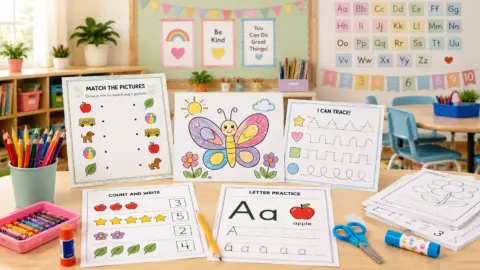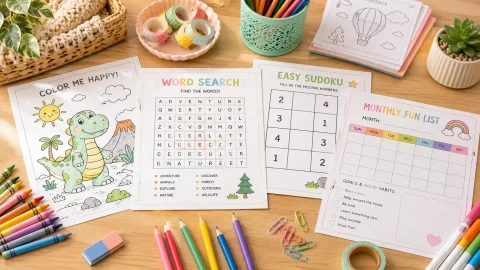
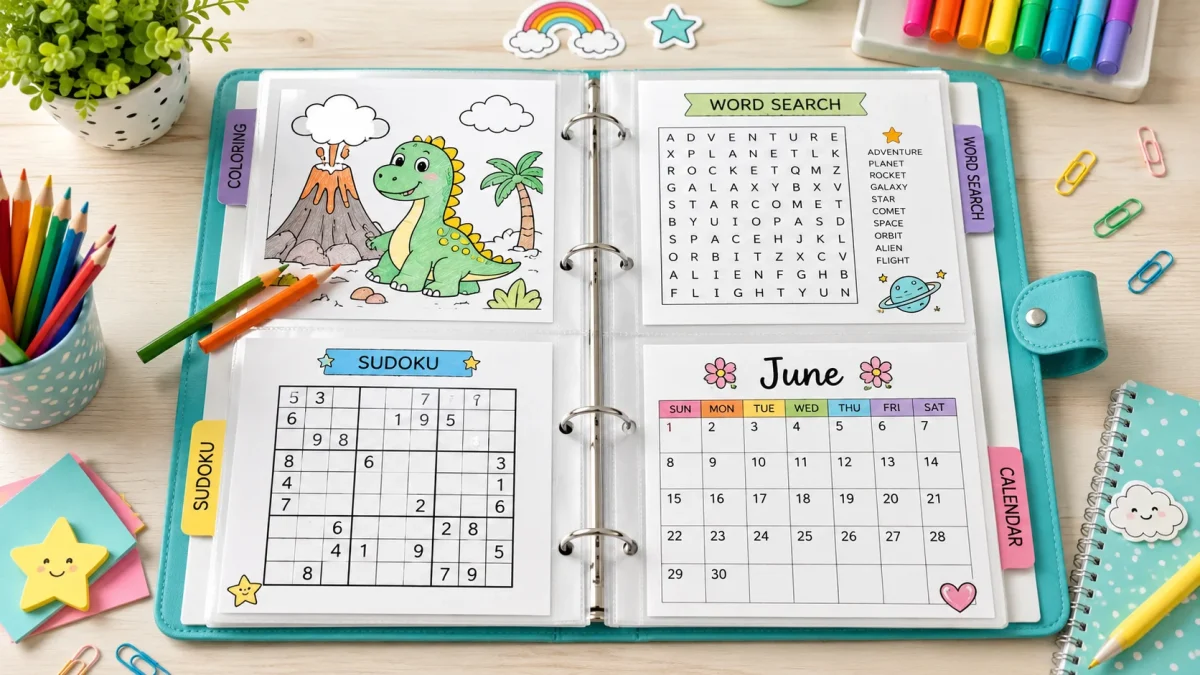
A printable activity binder works best when someone can open it, choose a usable page and put the materials away without sorting through a pile. Start with a small selection, separate answers from activities, and keep a record of where each printable came from so it is easy to replace.
This printable activity binder guide gives you a starter inventory, divider labels, an index you can copy and a refill routine. It does not require a new set of printables or a downloadable binder kit. Use pages you already have or choose from the linked ColoringGrid collections.
What's Inside
- On this page
- Gather supplies for a printable activity binder
- Use five printable activity binder divider labels
- Choose a small printable activity binder inventory
- Create a printable activity binder index
- Keep reusable masters away from working copies
- A weekly rotation without replacing everything
- Refill checklist
- When a page is not being used
On this page
Gather supplies for a printable activity binder
- A binder that holds the paper size you use, or a folder with separate pockets.
- Dividers or labeled sheets for the sections below.
- A way to keep pages together: punched copies or suitable sleeves.
- A pencil and the coloring tools your chosen activities need.
- A separate envelope or adult-held folder for answer keys.
Keep the starter set light enough for its user to handle. A full library of printables belongs in a separate master folder, not necessarily in a child's activity binder. The CAST UDL Guidelines recommend using tools and templates that organize information and resources; here, clear dividers and a current index serve that purpose. If using loose copies, check that punched holes do not cut into the artwork or instructions.
Use five printable activity binder divider labels
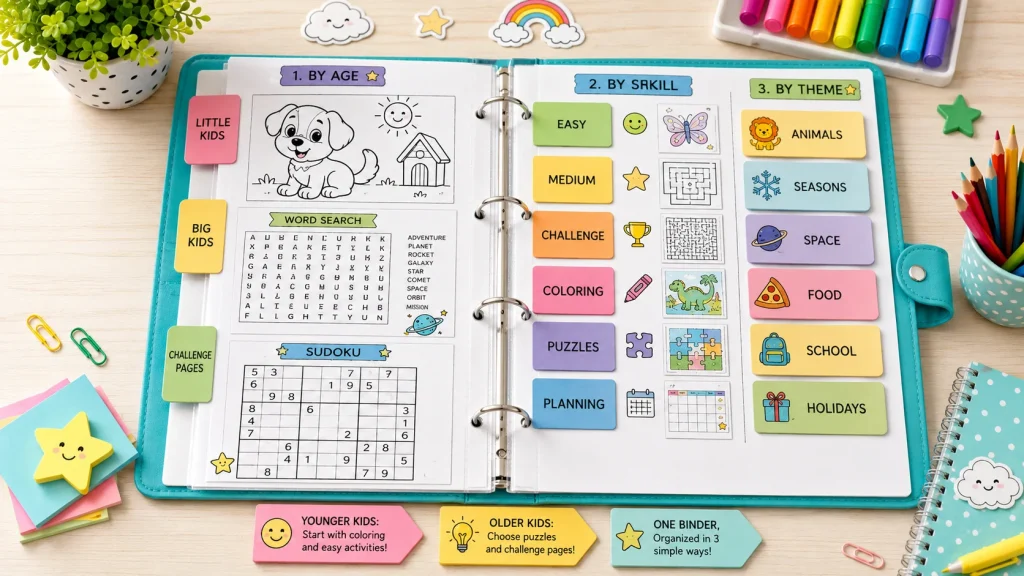
Choose a page: put a one-page index at the front, with a short description of each activity. List its location and whether it needs adult help. A reader should not need to open every sleeve to find a suitable task.
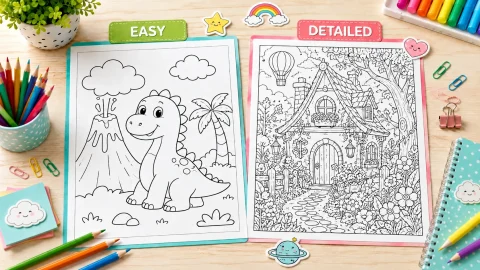
Color and create: include a small choice of existing coloring sheets. Mix open spaces and more detailed designs if both suit the user. Keep blank paper behind them for optional captions, patterns or drawings instead of requiring another worksheet for every extension.
Puzzles to try: store a few familiar puzzles with their identifying names or numbers. Use a manageable starting level. Keep the solutions elsewhere so a page can be selected without accidentally seeing its answer.
Plan and record: add a current calendar only if it has a real use, such as planning activities or marking a class event. Check the month and year before adding it. Include blank note paper for reminders rather than filling the section with dated pages nobody needs.
Continue later: use this section for work the user wants to revisit. Label the agreed next step, such as “color the outer ring” or “check the second row.” Do not turn every unfinished page into an obligation to complete.
Choose a small printable activity binder inventory
This is an example selection, not a rule about how many pages a binder must contain.
| Include | Where to start | Preparation check |
|---|---|---|
| Two open-space coloring sheets | Shapes coloring pages | Choose sheets with spaces the available tools can reach |
| Two subject-based coloring sheets | Turtle coloring pages | Let the user choose the scenes rather than assuming interest |
| Two familiar logic puzzles | Beginner Sudoku with answers | Match each puzzle number and grid size to its separate answer |
| One useful calendar page | Printable calendars | Verify the current month/year and local schedule |
| A few blank sheets | Paper already available | Use for drawing, captions, notes or a task extension |
Check the files you choose rather than assuming that every sheet in a large collection fits the same difficulty or has the same format. Open the selected download and compare it with the preview before adding a copy to the binder.
If word searches are part of the user's routine, add one only after checking its word list, grid and matching solution. They do not have to be included merely because the binder also contains Sudoku or coloring pages.
Create a printable activity binder index
| Page name or number | Section | What to do | Supplies | Answer location |
|---|---|---|---|---|
| Basic shapes | Color and create | Choose three shapes to color | Crayons or pencils | No answer key needed |
| Chosen turtle scene | Color and create | Color a selected area; add an optional caption | Pencils | Open-ended |
| Selected 4×4 Sudoku number | Puzzles to try | Use 1–4 once per row, column and outlined box | Pencil | Matching number in adult folder |
| Current month | Plan and record | Mark one date or planned activity | Pencil | Check the real schedule |
Replace the generic puzzle entry with the number on the sheet you actually print. Write the source collection name beside it, or keep the page URL in your own digital master list. The index is only useful if it describes what is currently in the binder.
Keep reusable masters away from working copies
Save a clean source copy in a separate folder. Put working copies in the activity binder and return only pages that are genuinely reusable. A lightly used coloring page and a Sudoku with completed answers have different reuse needs.
Do not assume a sleeve works with a particular erasable marker. If reusable writing is important, test the actual sleeve and marker on a small area first and follow their care instructions. A pencil-and-paper copy avoids needing that setup.
Keep keys labeled by collection, grid size and puzzle number. An answer called only “Puzzle 1” is ambiguous when several collections restart their numbering. If two adults share the binder, agree where the answer folder lives before giving out puzzles.
A weekly rotation without replacing everything
At the start of the week, choose a small working selection from the master folder. Let the user keep one familiar favorite. Add an alternative only when it has a clear purpose: a different subject, a larger coloring space or a puzzle level they already understand.
During the week, move requested unfinished work to Continue later and take used copies out of the ready-to-use pile. At the end of the week, ask which page the user would repeat and which was difficult to start. Refresh those specific choices rather than replacing the entire binder by default.
For a classroom arrival schedule, use the separate five-day morning-work routine. The binder stores the materials; the routine explains what to do on each day. Keeping those jobs separate makes both easier to adjust.
Refill checklist
- Remove pages that are damaged, dated incorrectly or no longer wanted.
- Keep chosen unfinished work separate from clean copies.
- Check that every puzzle still has an identifiable answer in the adult folder.
- Reprint only the pages that need another working copy.
- Update the front index whenever the selection changes.
- Check the pencils and tools the current pages actually require.
For travel, choose a smaller subset rather than taking the whole master collection. For shared use, separate copies by user if marks on a puzzle or a favorite coloring page would cause confusion. A binder does not need expensive accessories to make those boundaries clear.
When a page is not being used
First check whether the user can find it and understands the task. Then check the visible detail, writing demand and available tools. Offer a smaller portion or a different subject if appropriate. The easy-versus-detailed comparison can help you describe those choices without assigning them by age alone.
If a page still has no useful role, remove that working copy from the current selection and keep the source available separately. The aim of a printable activity binder is an organized set of activities someone wants and can use, not the fullest possible binder.